MarkLite · macOS · v0.3.0
Open a folder. Just read.
A lightweight Markdown reader for macOS that can also edit when you need it. Open one .md file or a whole folder of notes, read them with highlighted code, math and diagrams, then export to PDF or images.

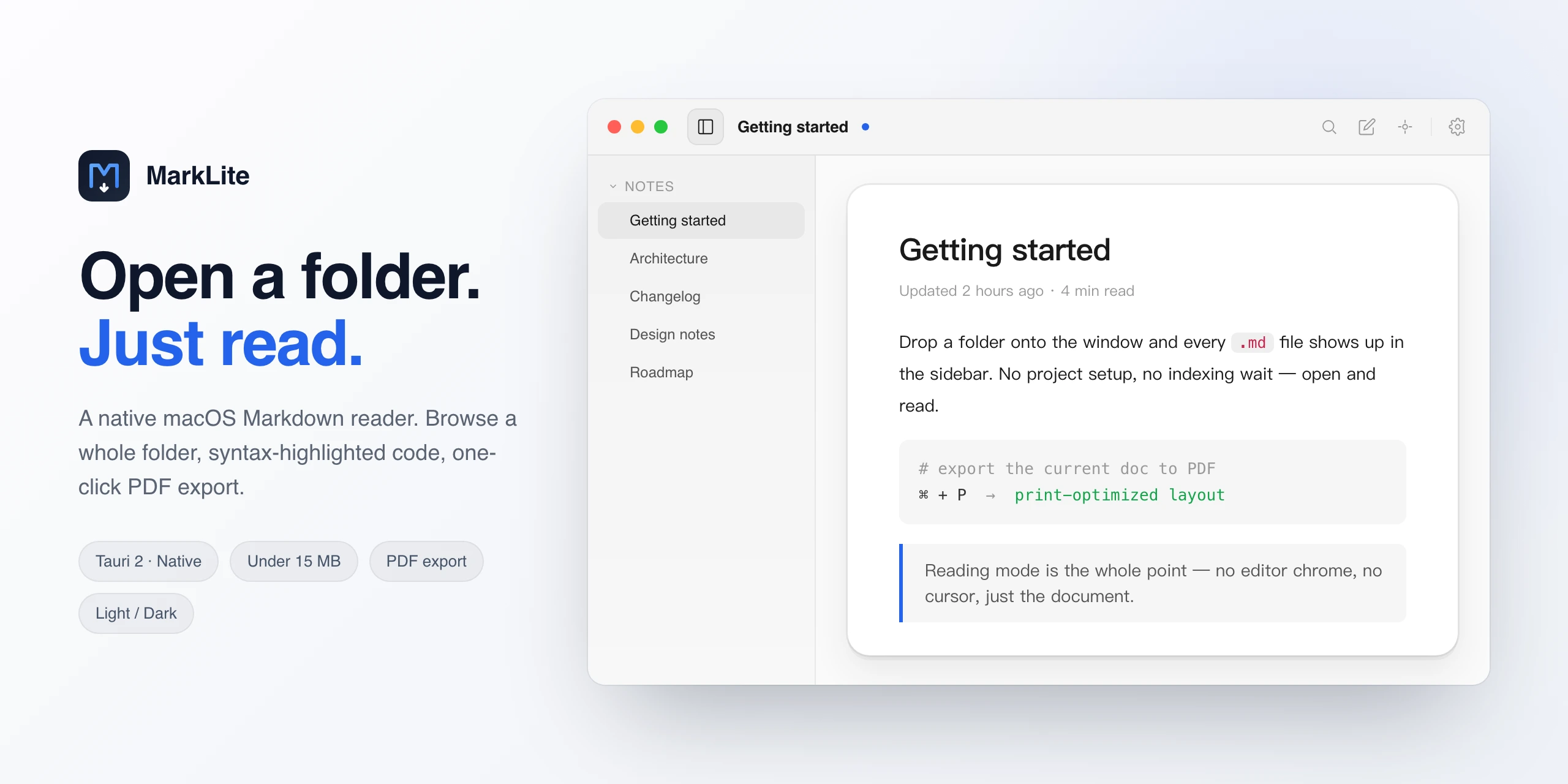
Opens in read mode. Press ⌘E to edit and ⌘S to save; MarkLite notices when another app changes the file.
Browse a folder in the sidebar, search file names and contents with ⌘⇧F, jump around with the outline. Every file reopens where you stopped reading.
Syntax-highlighted code, KaTeX math, Mermaid diagrams, footnotes and GitHub-style callouts.
Read PDFs and mark them up with highlights and notes, saved in a small file next to the PDF. Word, Excel and HTML files open converted to Markdown.
Inside a Git repository, ⌘⇧D shows what changed since the last commit.
PDF in the current theme, or PNG images split at paragraph boundaries for sharing in chats.
Seven themes, adjustable size, leading and spacing, plus a focus mode on F8.
No account, no telemetry. The only network request is a once-a-day update check; new versions install in one click.
Requirements
- macOS 11 Big Sur or later
- Apple Silicon (M-series)
- ~11 MB disk space
MarkLite isn't notarized yet. On first launch, go to System Settings → Privacy & Security → Open Anyway. If macOS says the app is damaged, run xattr -dr com.apple.quarantine /Applications/MarkLite.app in Terminal.